For Your Business
Software Training
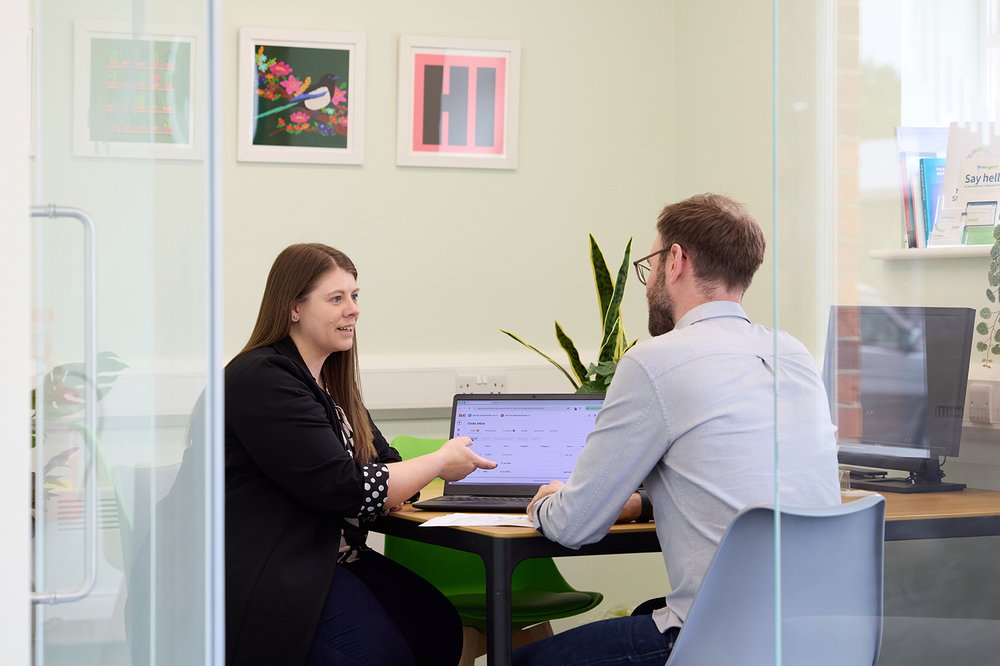
Not everyone wants their accountant to run everything. Some business owners and bookkeepers choose to handle the day-to-day records themselves, keeping the costs down and staying close to the numbers, then bring in a professional for the year-end accounts, the tax return, and the questions that come up. If that’s you, confidence in the software is what makes the arrangement work.
We offer hands-on training on Xero, FreeAgent, and Dext for business owners and bookkeepers who want to use cloud accounting software well.

In a nutshell: we train you on the software that’s right for your business, show you how to keep your records in a state that makes everything downstream – VAT, accounts, tax – clean and simple. Practical, one-to-one, tailored to what you actually do. Fixed fee, agreed upfront.
What we train on
FreeAgent
Setup and configuration for sole traders and small limited companies, income and expense tracking, bank reconciliation, invoicing, mileage and home-office expense logging. For people who aren’t bookkeepers by background but want clean records throughout the year.
Xero
Getting started, bank feed setup and reconciliation, invoice creation and management, expense recording, VAT return preparation, basic reporting. For business owners who want to handle their own bookkeeping within Xero while we prepare the accounts and tax at year-end.
Dext
capturing receipts and supplier invoices via the Dext app (phone camera, email forwarding, or direct supplier connections), reviewing and approving the extracted data before it pushes through to Xero or FreeAgent. This removes the paper-and-manual-entry problem at source.
We also cover the connection between Dext and your accounting platform – how the data flows, how to spot errors, and what to do when something doesn’t match.
We can offer more complex training for certain software integrations. Check with us if we have experience with your software stack.
Who this is for
Software training is most useful for:
- Business owners who want to do their own bookkeeping but have never used cloud accounting software before
- Business owners already on Xero or FreeAgent who aren’t getting the most out of it – bank feeds not reconciled, expenses piling up, VAT records in a state.
- Bookkeepers taken on by a small business who are new to one of the platforms we use
- Clients switching to us from another accountant where the software setup needs a refresh and the incoming data needs to be in good shape. If that’s you, you may find our guide to switching accountants useful.
- Sole traders in scope for Making Tax Digital for Income Tax who want to handle their own quarterly updates but need to know how the software actually works
Our clients come in all shapes and sizes from small businesses here in York, to medium sized businesses across Yorkshire and the UK.
What to expect from a training session
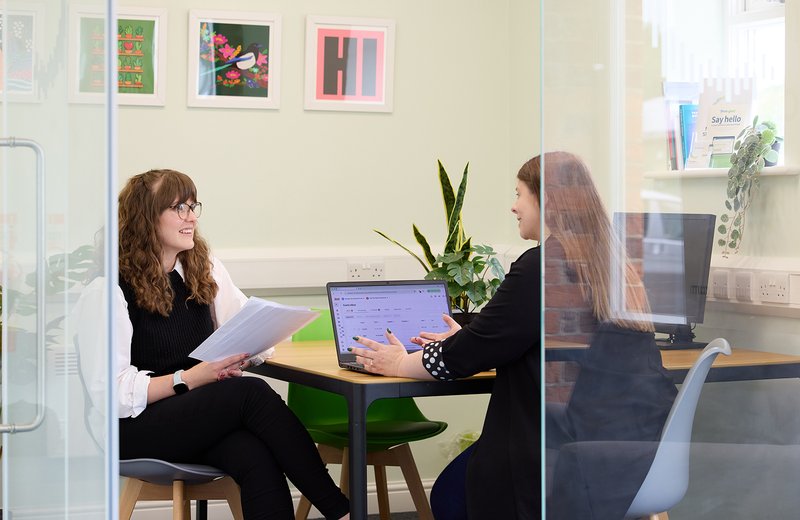
Sessions are one-to-one and use your actual business data, not a demo environment. That means the setup questions are real, the bank feed is your bank feed, and the expenses we categorise are yours.
Most clients start with a setup session – we get the software configured correctly for their business, with bank feeds connected, the chart of accounts right, and VAT settings checked. Then a working session or two, covering the day-to-day tasks: reconciling the bank, recording an expense, raising an invoice. So you leave with a setup that is ready to use, and the skills to keep it working.
Sessions are typically an hour to ninety minutes. We work at your pace, not through a standard script. You leave with the software working and the confidence to maintain it.
We can run sessions in person at our York office or online – whatever suits.
The limits of training
Training gets you to the point where you can keep your records clean and up to date. It’s not a substitute for an accountant at year-end, but it does make the year-end work faster and the records easier to rely on.
Annual accounts, the Company Tax Return, the Self Assessment, the VAT return review, planning conversations – these sit with us. But if you’re keeping the bookkeeping yourself and the records are in good shape when you send them over, the year-end work is quicker, the accounts are more accurate, and the conversations are more useful. It’s a better outcome for both parties.
For clients who decide they’d rather hand off the bookkeeping entirely, we do that too. See our Bookkeeping page.
Frequently asked questions
Broadly: Xero for limited companies, growing businesses, or anyone with more complex bookkeeping needs; FreeAgent for sole traders, freelancers, and small companies who want simplicity. Dext sits alongside either one to capture receipts and invoices. We’ll recommend the right fit when you get in touch. See our Cloud Accounting & Making Tax Digital page for a fuller explanation of each platform.
Yes. We do a cleanup session to get the records in a state worth working from – reconciling the bank feeds, reviewing the categorisation, fixing the chart of accounts – and then a training session so you can maintain it going forward. We’ll tell you what’s involved and what it costs before we start.
Ready to get on top of your software?
Three ways to start. Whichever’s easiest.
You may also like...
Cloud Accounting & Making Tax Digital
Software setup and management for businesses getting MTD-ready
Read More
Bookkeeping
We handle bookkeeping using the best software. Clean records, up-to-date all year
Read More